Lens · Run the dealership by conversation
Ask. Decide. Act.
Lens is the conversational layer for running the dealership. It answers from your dealership's data, then puts the next piece of work in motion through your AI agents.
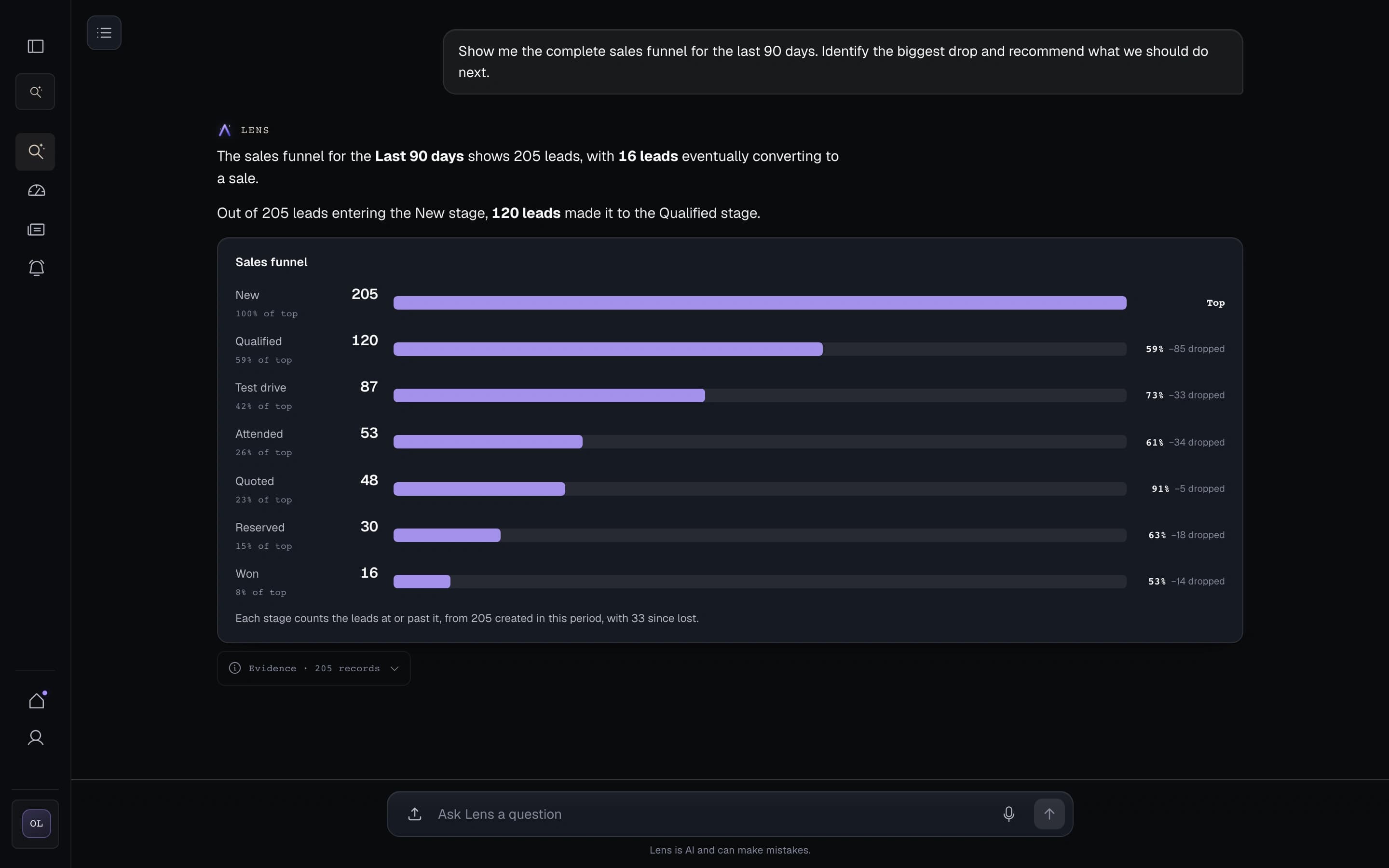
Build dashboards by describing them.
Tell Lens what you want to see. It builds the dashboard from your dealership's data and shows where every figure comes from.
Describe the question, numbers, and view in plain language.
Check the source behind every figure.
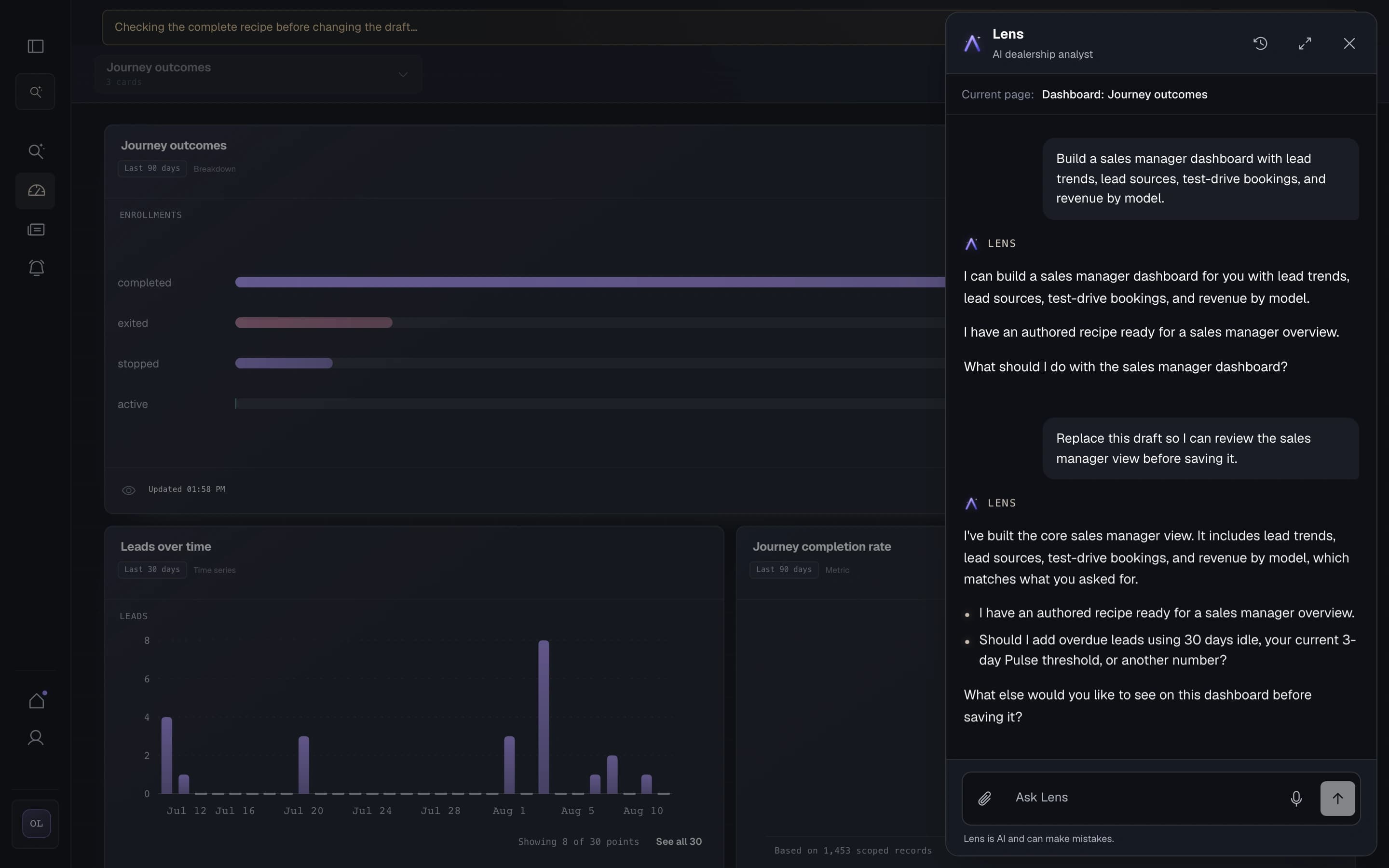
Create and direct agents by talking.
Describe the agent you need in plain language. Lens sets it up and shows you the complete setup before anything goes live.
Tell Lens what you want your AI team doing.
Review the setup and approve it before the agent goes live.
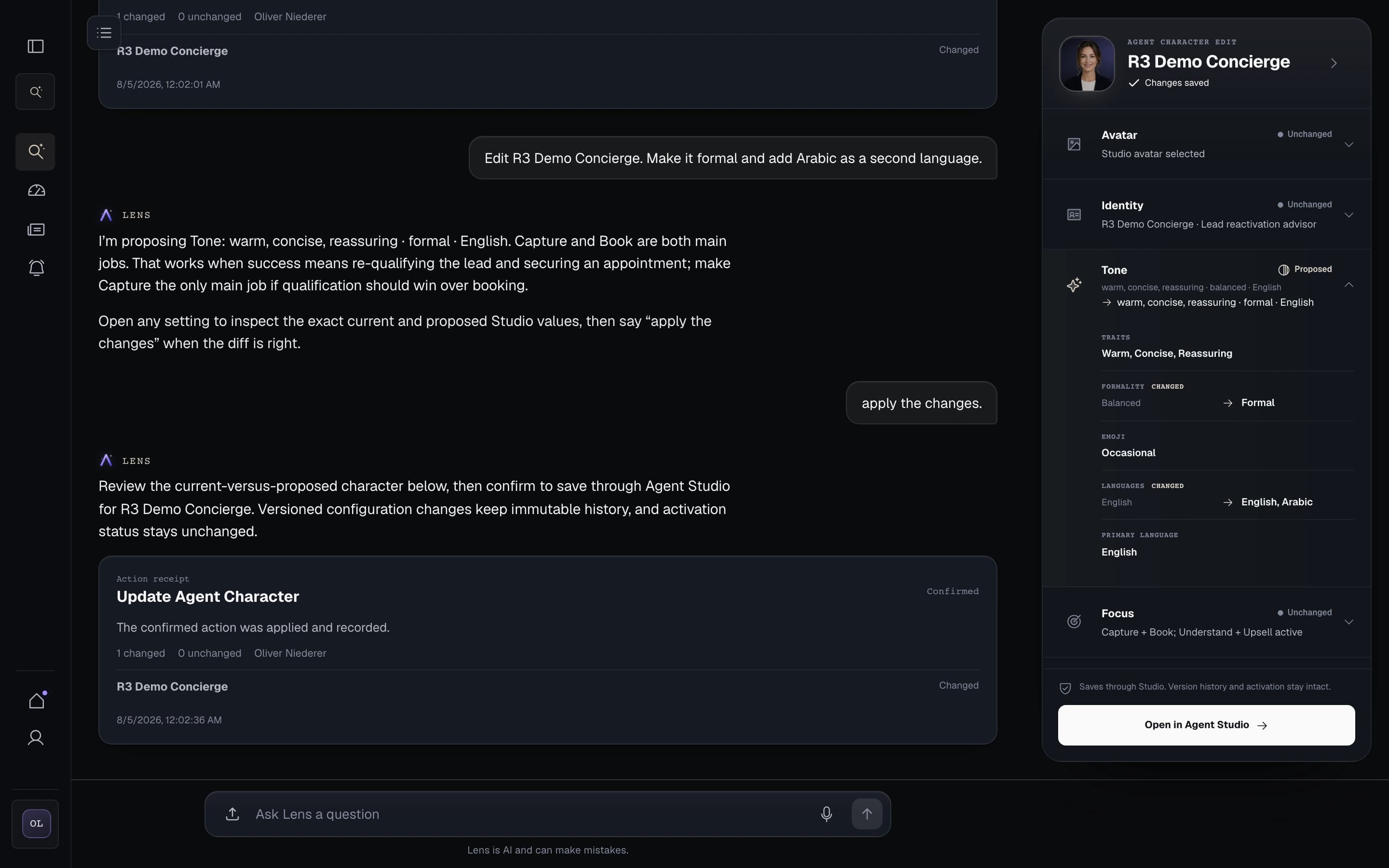
Turn a brief into a customer journey.
Describe who the journey is for, when it should run, and the outcome you want. Lens prepares the messages and flow for your review.
Use current customer and vehicle data to define the audience.
Review the complete journey in Journey Studio before anything reaches a customer.
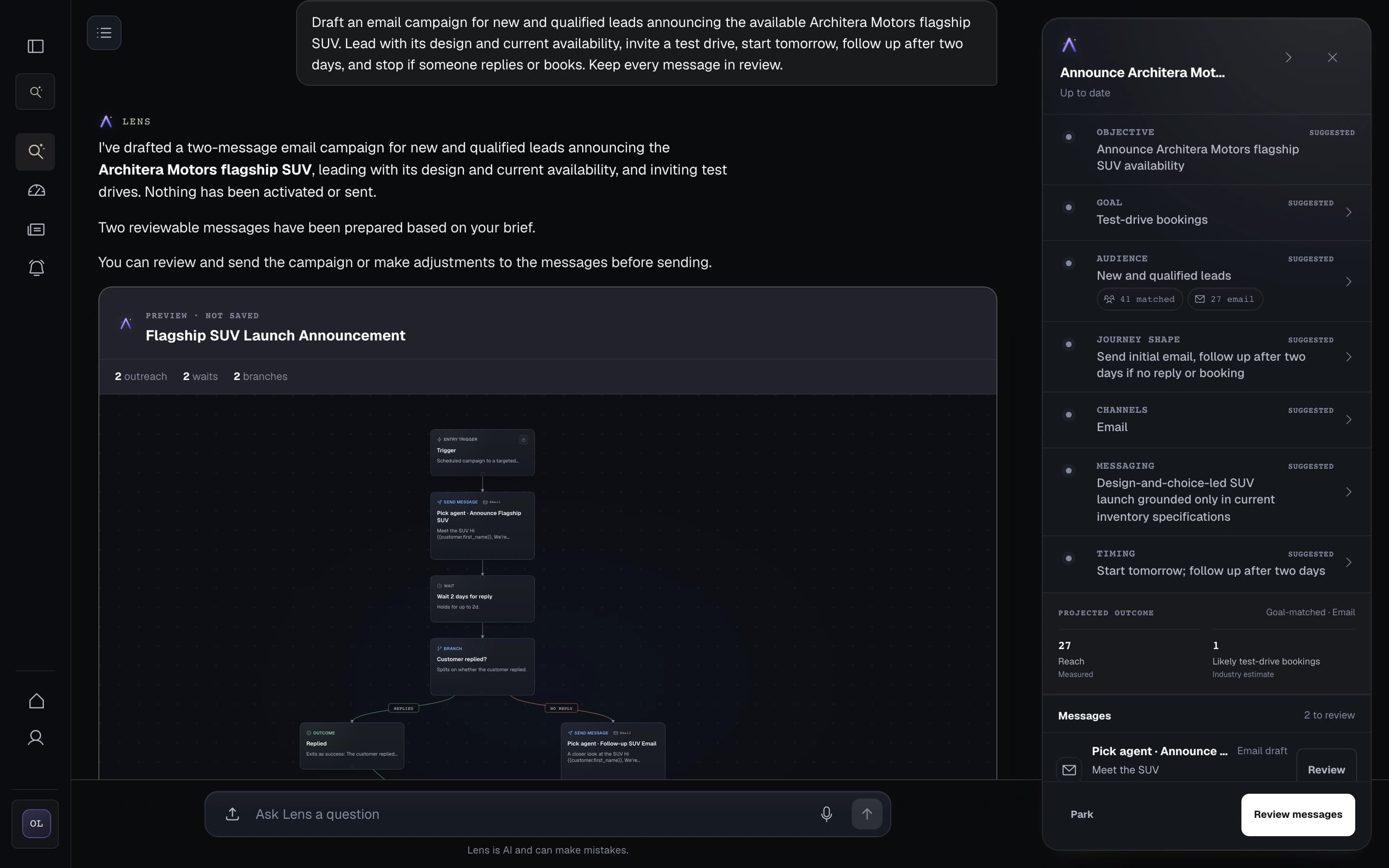
One conversation across the dealership.
Tell Lens what you want your AI team doing. Ask a question, build a dashboard, set up an agent, or prepare a journey without switching tools.
Your permissions still apply. You review and approve customer-facing work before it goes live.What would you like the dealership to do next?
Architera can work with interchangeable AI providers, so your operating model is not tied to one vendor.
Human oversight, disclosure, permissions, and clear approval before customer-facing work are designed into the product. This is a design posture, not a certification claim.
Know what Lens can do.
What is Lens?
Lens is the conversational layer for running the dealership. It answers from your dealership's data and puts the next piece of work in motion through your AI agents.
Can Lens do work, or does it only give answers?
It can do both. Lens can explain what is happening, update a permitted record, create a follow-up task, set up an agent, or prepare a journey. Your permissions and approval rules still apply.
Can we trust the numbers Lens shows?
Lens calculates figures from the dealership records you are allowed to see. Open any figure to see its time period, definition, and source records.
Can Lens contact customers on its own?
Only when the right channel, consent, permissions, and activation are in place. Draft agents and journeys do not go live by themselves, and your team approves customer-facing work before it goes live.
Who can see or change data through Lens?
The signed-in user's permissions decide what Lens can read or change. Lens does not give someone access they do not already have.
How do we start with Lens?
Choose one useful question or task and connect the dealership data it needs. That could be a sales view, a customer-record update, a new agent, or a follow-up journey. We agree who can review or approve the work before it goes live.
Give your team one place to ask, decide, and act.
Use Lens to answer questions, build dashboards, direct agents, and put the next job in motion.